Remote assistance and computer vision
Remote assistance for field teams
A collaboration platform where remote experts see an operator’s camera feed, guide tasks and place visual annotations over the scene using smart glasses or mobile devices.
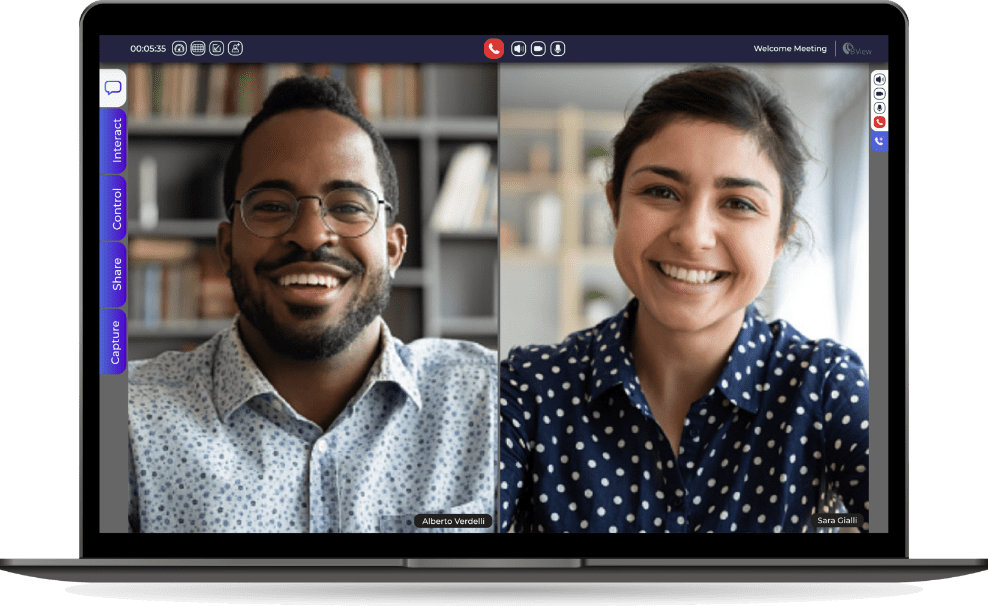
The platform connects field operators with remote experts through live video. Experts can mark objects in the camera view to guide a task, while operators use a mobile device or smart glasses to keep working.
01 / The product
Let an expert work through the operator’s point of view
The product combines remote video collaboration with visual-assistance tools. An operator uses a camera-equipped device, while a remote participant follows the live feed and uses the web interface to guide the activity.
The engineering scope covered web and video workflows, Android integration, image processing and annotations. WebRTC/OpenVidu, Kurento and OpenCV formed part of the wider environment, including work on face obscuring and feature-based tracking.
02 / Annotation tracking
Track annotations across camera movement
An annotation drawn over a component stops identifying it when the camera moves. Keeping the mark at a fixed pixel position preserves its appearance while losing its meaning.
I built the feature-search logic around the selected shape, using OpenCV and SIFT to extract points and match them across frames. With enough reliable correspondence, I could reproject the annotation into the new view rather than leave it at a fixed screen position.
SIFT matching depends on visible texture. Blur, lighting changes and occlusion can reduce the number of useful matches, so tracking must account for uncertainty rather than keep displaying a misplaced mark.
03 / Feature selection
Expand the search region for small targets
A narrow selection may contain very few distinctive feature points. Searching only inside it can fail even when the surrounding scene contains useful visual context.
I expanded the search region when a small selection contained too few useful features. I kept that search area separate from the annotation itself: the user’s shape identifies the target, while the surrounding image provides context for tracking.
More context can improve matching, but adds processing and unrelated features. The search area needs enough detail to track the target without letting a different surface dominate the matches.
04 / Video processing
Balance video processing with call responsiveness
Streaming, image processing and overlay updates share the latency budget of a real conversation. Face obscuring and annotation tracking add work to a product that also has to coordinate web participants and camera-equipped devices.
I worked across WebRTC/OpenVidu video workflows, Kurento/OpenCV processing and Kotlin/Android integration, including face obscuring and annotations. The wider stack also included ARKit and ARCore. I kept camera, input and processing differences in platform-specific integrations.
Image matching and native spatial tracking depend on different device capabilities. Extra processing also adds delay, so effects need to be weighed against call responsiveness and how the interface handles tracking loss.
Evidence & further reading